If you have closed your CVE and wish to reopen it, simply click on the CVE icon on the home page of your eSanté account.
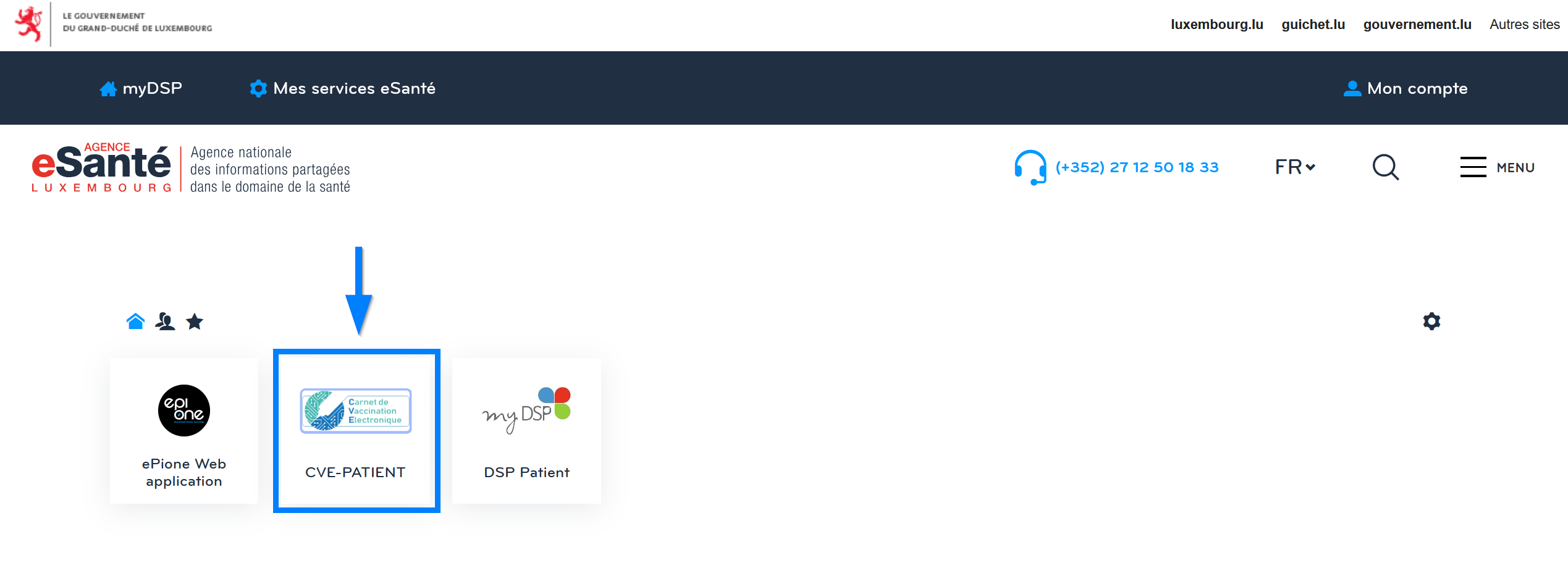
The application offers you the option of reopening your CVE by clicking on the blue icon (on the right)



If you have closed your CVE and wish to reopen it, simply click on the CVE icon on the home page of your eSanté account.
The application offers you the option of reopening your CVE by clicking on the blue icon (on the right)