

You can close your CVE online after logging in to your eSanté account.
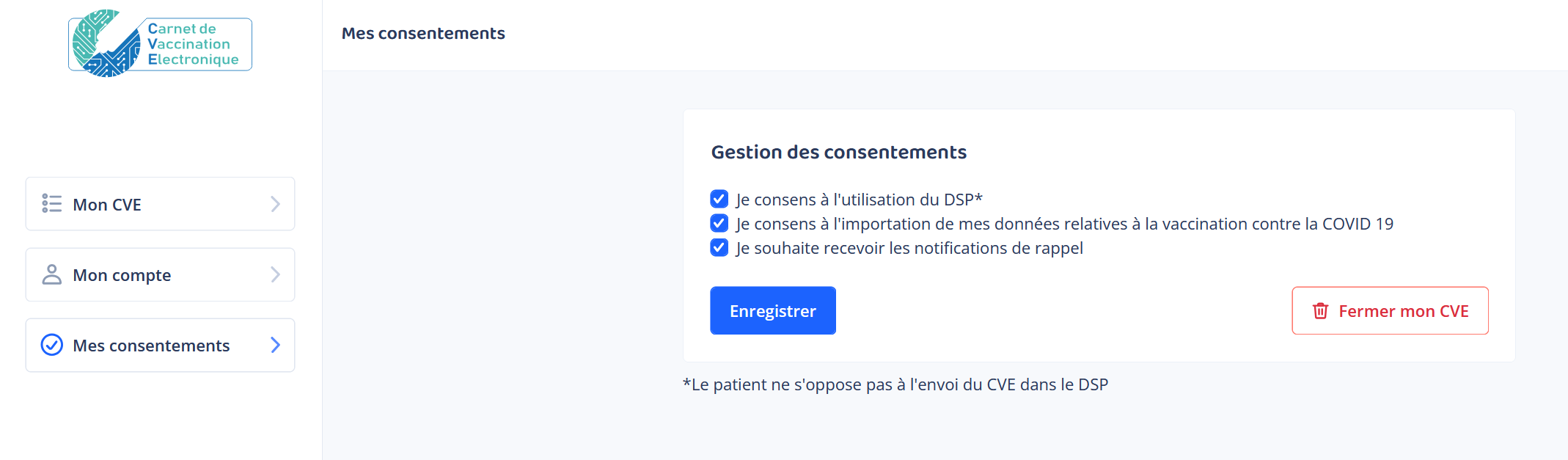
To close, i.e. ‘deactivate’ your CVE, please click on the ‘Mes consentements’ tab and then on the red button ‘Fermer mon CVE’ (on the right).
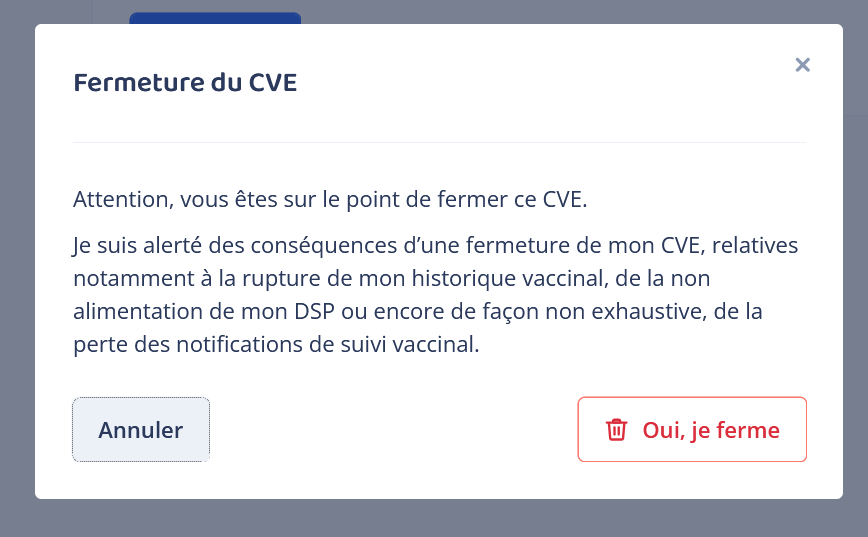
A warning message informs you of the consequences of this closure, but it is still possible to reopen.
If you cannot/do not wish to close your CVE yourself, you can request its closure using the form “Demande de fermeture du CVE” available for download below.